
Home Internet Connection Types, Decoded

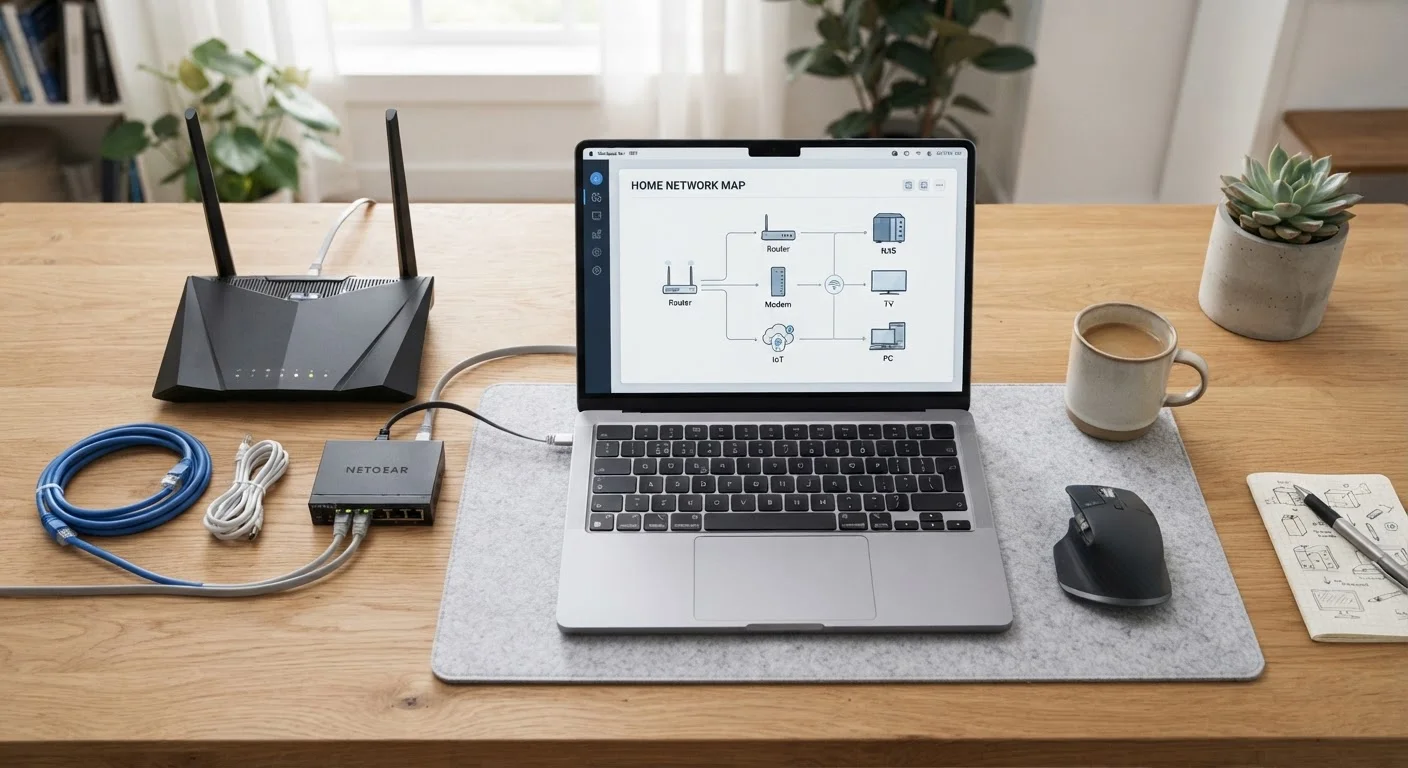
Photo: QuickSearches.net | It Doesn't Get Quicker Than This! editorial
Key Takeaways
- Fiber delivers the fastest and most consistent speeds but isn't available everywhere in the US.
- Cable internet uses existing coaxial TV infrastructure and is widely available in suburban and urban areas.
- DSL runs over phone lines and is typically slower, but may be the only wired option in some rural areas.
- Satellite internet can reach almost any location but tends to have higher latency and data cap restrictions.
- Fixed wireless uses radio signals from towers and is expanding as a rural broadband alternative.
- Your available connection types depend on where you live - not every technology is offered in every area.
The Five Main Technologies Powering Home Internet
When an ISP sells you internet service, what you're really buying is access via a specific delivery technology. That technology determines how fast your connection can be, how stable it is, and whether speeds hold up during peak hours. Here's what each major type actually means.
Fiber optic internet transmits data as light pulses through thin glass or plastic strands. Because light travels fast and fiber lines aren't shared the way cable lines are, fiber typically delivers the most consistent speeds - and symmetrical upload and download performance. It requires new infrastructure, which is why availability is still limited in many parts of the country.
Cable internet repurposes the same coaxial lines that carry cable TV signals. It's widely available across suburban and urban America and supports high download speeds. The tradeoff: cable is a shared medium in your neighborhood, so speeds can slow during evening peak hours. Upload speeds are also significantly lower than download speeds on most cable plans.
DSL (Digital Subscriber Line) runs over the copper telephone network. It's slower than fiber or cable but can serve areas where no cable infrastructure exists. Speed degrades with distance from the provider's central office - the farther your home, the weaker the signal.
Satellite internet beams a signal between a dish at your home and a satellite in orbit. Traditional geostationary satellites sit very far from Earth, causing noticeable latency. Newer low-earth-orbit (LEO) satellite services have reduced that gap, though weather can still affect performance. Satellite reaches rural addresses that no wired service does.
Fixed wireless uses radio signals transmitted from a ground-based tower to an antenna installed at your home. It doesn't require laying cable or fiber lines, making it an increasingly common option for rural and suburban areas. Performance depends on distance from the tower and line-of-sight obstructions like trees or buildings.
For a deeper look at how the two most common wired options compare, see how fiber and cable internet stack up.
How Connection Type Affects Everyday Use
The technology behind your connection isn't just a technical detail - it shapes your actual experience every day.
~90%
US homes with access to 25 Mbps fixed broadband
According to FCC broadband deployment data, the vast majority of US residential locations have access to at least one fixed broadband provider at 25 Mbps download speeds, though rural coverage remains significantly lower.
~24%
Rural locations lacking 25/3 Mbps fixed broadband
FCC and USDA data consistently show that roughly one in four rural US locations lacks access to fixed broadband at the FCC's baseline 25 Mbps download / 3 Mbps upload threshold.
600+ ms
Typical latency for geostationary satellite
Traditional geostationary satellite internet operates at roughly 35,000 km above Earth, producing round-trip latency that commonly exceeds 600 milliseconds - compared to under 20 ms for fiber or cable.
Speed consistency matters more than peak advertised speeds. Cable and DSL connections are contention-based in some configurations, meaning speeds can dip when many users in your area are online simultaneously. Fiber's dedicated pathway tends to hold steady. Fixed wireless and satellite can fluctuate based on atmospheric conditions or tower load.
Upload speed is increasingly important. Video calls, cloud backups, remote work, and uploading content all consume upload bandwidth. Cable and DSL plans are typically asymmetrical - download speeds are much higher than upload speeds. Fiber plans commonly offer symmetrical speeds, a meaningful advantage for households with heavy upload needs.
Latency - the delay in data transmission - affects gaming, video calls, and any real-time application. Fiber and cable have low latency. Traditional geostationary satellite has historically had latency measured in hundreds of milliseconds, which makes real-time applications difficult. LEO satellite has brought this closer to cable levels in many areas, though it varies.
To match these characteristics against what your household actually does online, estimating the right speed tier for your household is a useful next step. Understanding speed units also helps - what Mbps and Gbps mean for real use breaks that down plainly.
Matching Technology to Where You Live
Availability is the most constraining factor for most households. You can't choose a connection type your address doesn't have access to.
Urban and dense suburban addresses typically have the most options - fiber, cable, and sometimes fixed wireless. Rural addresses often face a much shorter list: DSL, satellite, or fixed wireless if a tower is nearby. The FCC's National Broadband Map (broadbandmap.fcc.gov) allows address-level lookups and is the most current public resource for checking reported availability.
If your realistic options are limited to fixed wireless or DSL, how fixed wireless and DSL compare for rural and suburban households walks through the trade-offs in detail.
One other factor worth noting: some connection types are more likely to come with data caps. Satellite plans have historically been the most restrictive. how data caps work and when they affect you is worth reading before signing up for any capped plan.
Once you've identified your connection type and chosen a plan, setting up a new home internet connection covers the practical steps from installation to router placement and speed testing.
Frequently Asked Questions
The content on this site is provided for informational purposes only and should not be considered a substitute for professional advice. While we strive to provide accurate and up-to-date information, we make no guarantees regarding its completeness or accuracy. Always consult a qualified professional for advice specific to your circumstances before making any decisions