
What Happens to Your Data When a Phone Gets Lost or Stolen

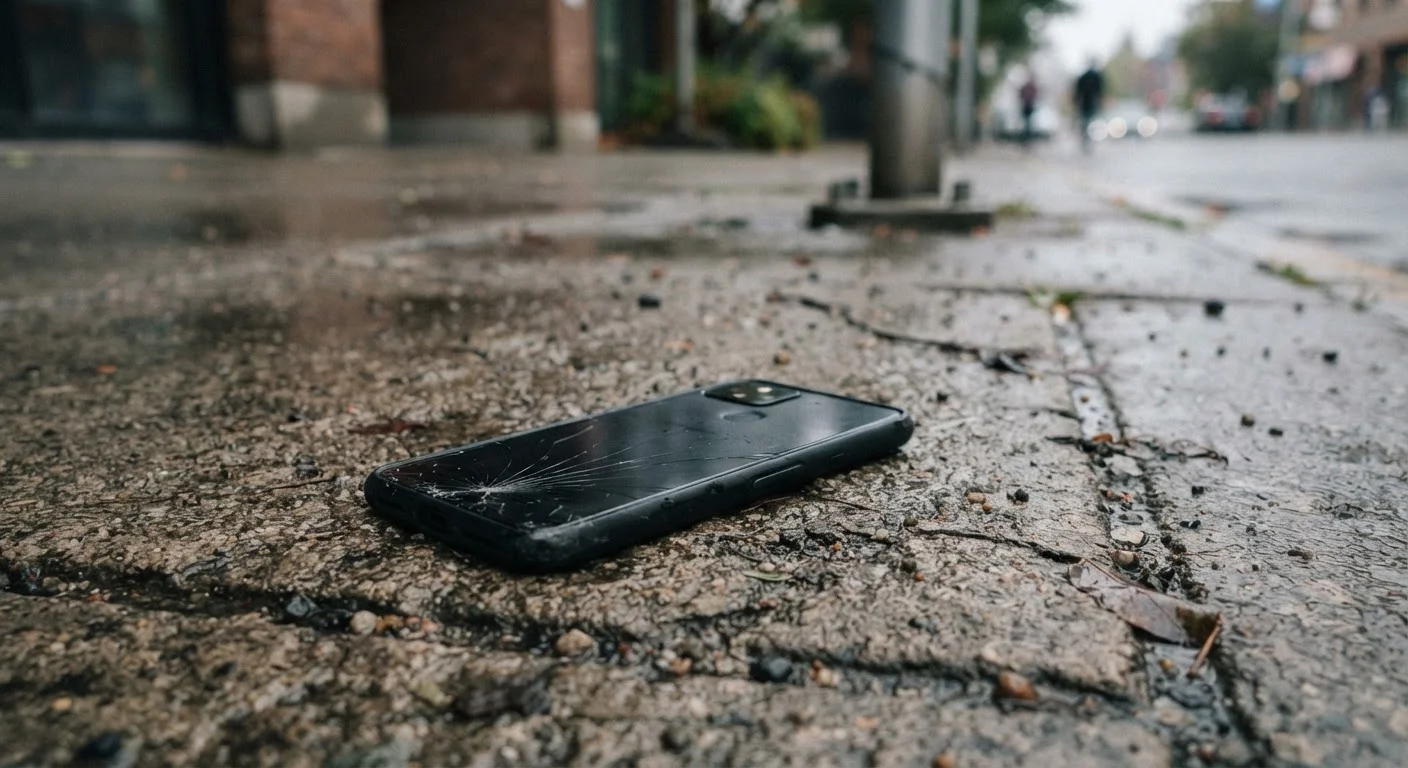
Photo: QuickSearches.net | It Doesn't Get Quicker Than This! editorial
Key Takeaways
- An unlocked phone gives a thief near-instant access to email, banking apps, and saved passwords.
- Screen locks with strong PINs or biometrics are your first and most important line of defense.
- Remote wipe tools (Find My iPhone, Find My Device for Android) can erase data if you act quickly.
- SIM card theft is a separate risk - thieves can use it to intercept two-factor authentication codes.
- Regular cloud backups protect your data even if the device itself is unrecoverable.
- Reporting a stolen phone to your carrier can disable service and limit SIM-swap fraud.
What a Thief Can Actually Access - and What Stops Them
The moment a phone leaves your hands, two things determine how much damage can be done: whether a screen lock was enabled, and how quickly you respond. An unlocked phone is essentially an open filing cabinet. A thief can scroll through your email, open banking apps that stayed logged in, view saved passwords in your browser, and access photo libraries that may contain sensitive documents.
A locked phone with a strong PIN or biometric (fingerprint or face ID) is a very different story. Because modern smartphones encrypt their storage by default when a screen lock is active, the raw data on the device is scrambled and unreadable without the correct credential. Guessing a six-digit PIN through brute force is difficult - most phones introduce increasing time delays or trigger a wipe after repeated failed attempts.
That said, a screen lock isn't a complete shield. Notification previews visible on the lock screen can leak sensitive information. And if the thief knows you personally - or can guess a weak PIN like a birthday - the lock may not hold.
Set a Strong PIN Before Anything Else
The SIM Card Problem Most People Miss
Many people focus on the phone itself and forget the SIM card inside it. If a thief pops your SIM into another device, your phone number is now theirs. That matters because many accounts use SMS-based two-factor authentication - meaning password reset codes and login verifications get delivered straight to the thief.
This technique, sometimes called a SIM swap, is a known method for bypassing account security even on otherwise well-protected accounts. If you use text-message codes as your primary second factor for email, banking, or social accounts, a stolen SIM creates a direct path to those services.
The fix is straightforward: call your carrier as soon as the phone is missing and ask them to suspend the number or replace the SIM. Also consider switching to an authenticator app (rather than SMS) for your most sensitive accounts - those codes are generated locally and don't travel through your phone number. If you travel frequently, this risk takes on added weight; the how travelers should manage critical paperwork article covers related risks for people who carry sensitive documents on their devices.
Remote Wipe and Activation Lock: How They Actually Work
Both iOS and Android include built-in tools that let you locate, lock, or erase a missing phone from another device. Apple's Find My network and Google's Find My Device both require that the feature was enabled before the loss - you can't turn it on after the fact.
If your device is online, you can trigger a remote wipe through your account dashboard, which deletes all stored data. If the phone is offline, the erase command will execute the next time it connects to a network. This creates a window of vulnerability if someone quickly puts the phone in airplane mode or removes the SIM to prevent connectivity.
Even after a remote wipe, Apple's Activation Lock and Android's Factory Reset Protection provide a second layer of defense. A wiped phone will ask for the original Google or Apple account credentials before it can be set up again - making stolen phones largely worthless to resell or reuse without your login. If you're ever setting up a new phone, you'll see this protection in action during the setup process.
Remote Wipe Requires Prior Setup
What to Do Right Now - Before You Lose Your Phone
The most effective data protection happens before a phone is ever lost. A few habits make an enormous difference:
- Enable a strong screen lock: Use a six-digit PIN at minimum, or a longer alphanumeric password. Avoid patterns or four-digit PINs if possible.
- Turn on remote wipe: Enable Find My (iPhone) or Find My Device (Android) and confirm it's linked to an active account.
- Back up regularly: Cloud backups mean that even if the device is unrecoverable, your photos, contacts, and app data aren't lost. See our guide on managing phone storage for tips on keeping your backup footprint clean.
- Audit lock-screen notifications: Turn off message previews for sensitive apps like banking or email so that information isn't visible without unlocking.
- Use an authenticator app: For high-value accounts, move away from SMS-based two-factor authentication.
Taking these steps costs nothing and takes under an hour. They're the kind of habits that also support the longer-term goal of getting more useful life out of your phone, since a well-maintained, secure device holds its value and function longer.
Frequently Asked Questions
The content on this site is provided for informational purposes only and should not be considered a substitute for professional advice. While we strive to provide accurate and up-to-date information, we make no guarantees regarding its completeness or accuracy. Always consult a qualified professional for advice specific to your circumstances before making any decisions