
Keeping Your Phone Longer: Habits That Extend Its Useful Life

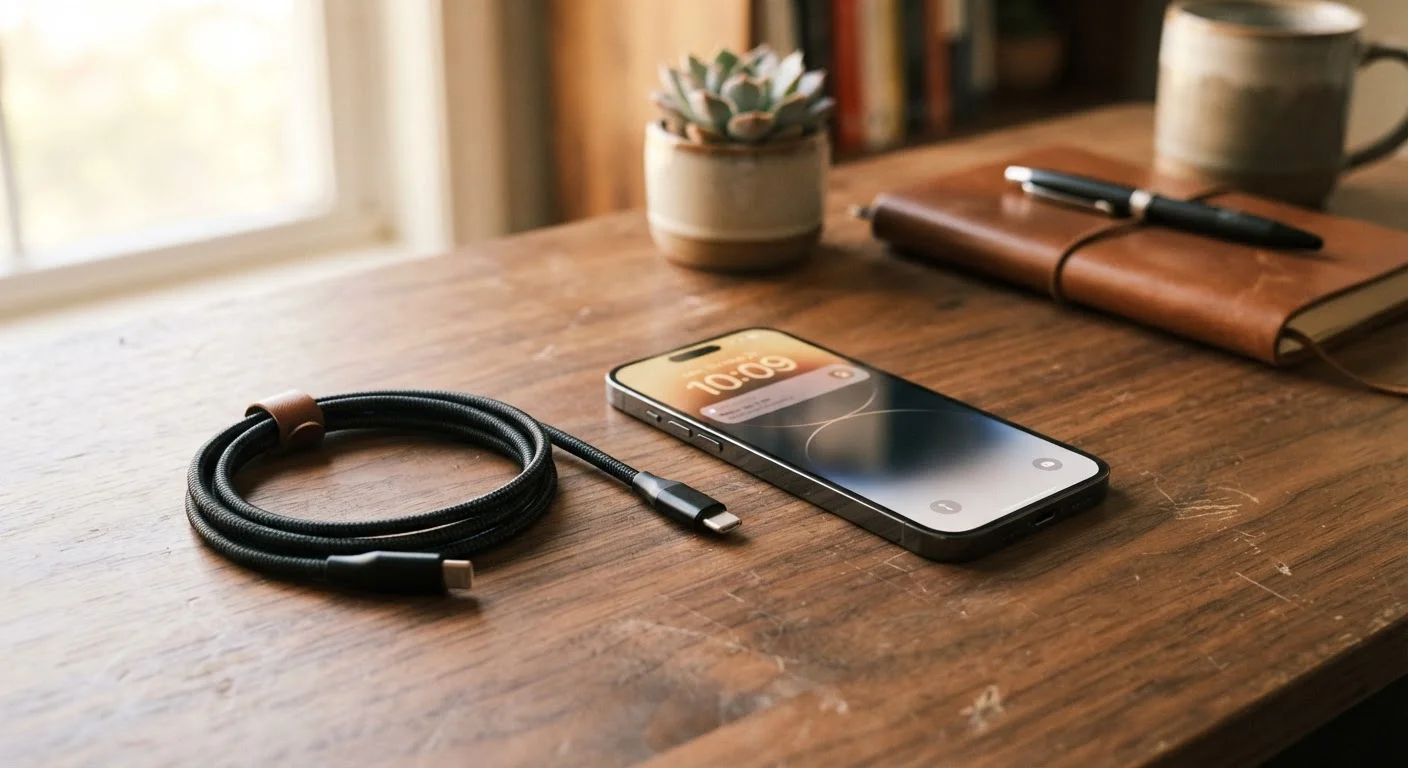
Photo: QuickSearches.net | It Doesn't Get Quicker Than This! editorial
Key Takeaways
- Keeping your battery between 20% and 80% charge significantly slows long-term battery degradation.
- Physical protection - cases and screen protectors - prevents the damage most likely to cut a phone's life short.
- Routine software updates and storage management keep older phones running smoothly for longer.
- Heat is one of the biggest hidden threats to smartphone components and battery health.
- Most phones can last four to five years with consistent, deliberate care.
Why Phone Longevity Deserves More Attention
The average American replaces their smartphone roughly every two to three years - often not because the device stopped working, but because it slowed down, the battery wore out, or a screen cracked. Many of those replacements are avoidable with a few consistent habits that cost nothing or very little.
Extending a phone's useful life by even one additional year can save several hundred dollars and reduces the electronic waste that comes with constant device cycling. The habits that matter most aren't complicated - they're about consistency rather than technical know-how.
Charging Habits That Protect Battery Health
Battery degradation is the number-one reason phones feel "old" before their time. Lithium-ion cells - the type used in virtually all modern smartphones - wear out faster when regularly charged to 100% or drained close to 0%. Keeping your charge level between roughly 20% and 80% in everyday use reduces stress on the cells and slows capacity loss over time.
Heat accelerates this degradation significantly. Avoid leaving your phone in a hot car, charging it while running processor-heavy tasks, or using it in direct sunlight for extended periods. Charging slowly (using the charger that came with your phone, or a moderate-wattage alternative) also tends to generate less heat than aggressive fast charging.
For a deeper look at what's actually draining your battery day to day, see our guide to battery drain causes. And if you've heard conflicting advice about overnight charging or running to zero, our breakdown of common charging myths separates fact from fiction.
Physical Protection and Storage Management
A dropped phone or a cracked screen is one of the most common reasons people upgrade earlier than planned. A well-fitted case and a tempered glass screen protector are among the most cost-effective investments you can make in your device's lifespan. They don't need to be expensive - what matters is that the case fits properly and covers the corners, which absorb the most impact in a drop.
Software-side upkeep matters just as much as physical protection. Phones slow down when storage is nearly full because the operating system needs free space to function efficiently. Aim to keep at least 10-15% of your storage free. That might mean offloading photos to a cloud backup, deleting unused apps, or moving large files to an external drive or computer. Our storage management guide walks through how to audit what's actually taking up space.
Similarly, staying current with software updates keeps your phone secure and running efficiently. Many people skip updates fearing slowdowns, but updates often include performance fixes and security patches that genuinely improve an older device's stability. See why updates matter on older phones for a plain-language explanation of what's actually inside those updates.
When Repair Makes More Sense Than Replacing
Even well-maintained phones eventually develop issues - a swollen battery, a cracked display, a worn charging port. Before assuming it's time to upgrade, it's worth evaluating whether a repair is cost-effective. Battery replacements, in particular, are often far cheaper than a new phone and can restore a sluggish device to near-original performance.
Our repair vs. replace framework offers a practical way to think through that decision - including when repair costs start to outweigh the benefits. The key variables are the phone's age, the cost of the specific repair, and whether the manufacturer still provides software support for your model.
The goal isn't to hold onto a phone forever at any cost - it's to make intentional decisions rather than reactive ones. Phones that are protected, charged thoughtfully, kept updated, and not pushed beyond reasonable storage limits routinely serve users well for four or five years. That's real money staying in your pocket.
The content on this site is provided for informational purposes only and should not be considered a substitute for professional advice. While we strive to provide accurate and up-to-date information, we make no guarantees regarding its completeness or accuracy. Always consult a qualified professional for advice specific to your circumstances before making any decisions