
Digital Copies vs. Physical Documents: How Travelers Should Manage Critical Paperwork

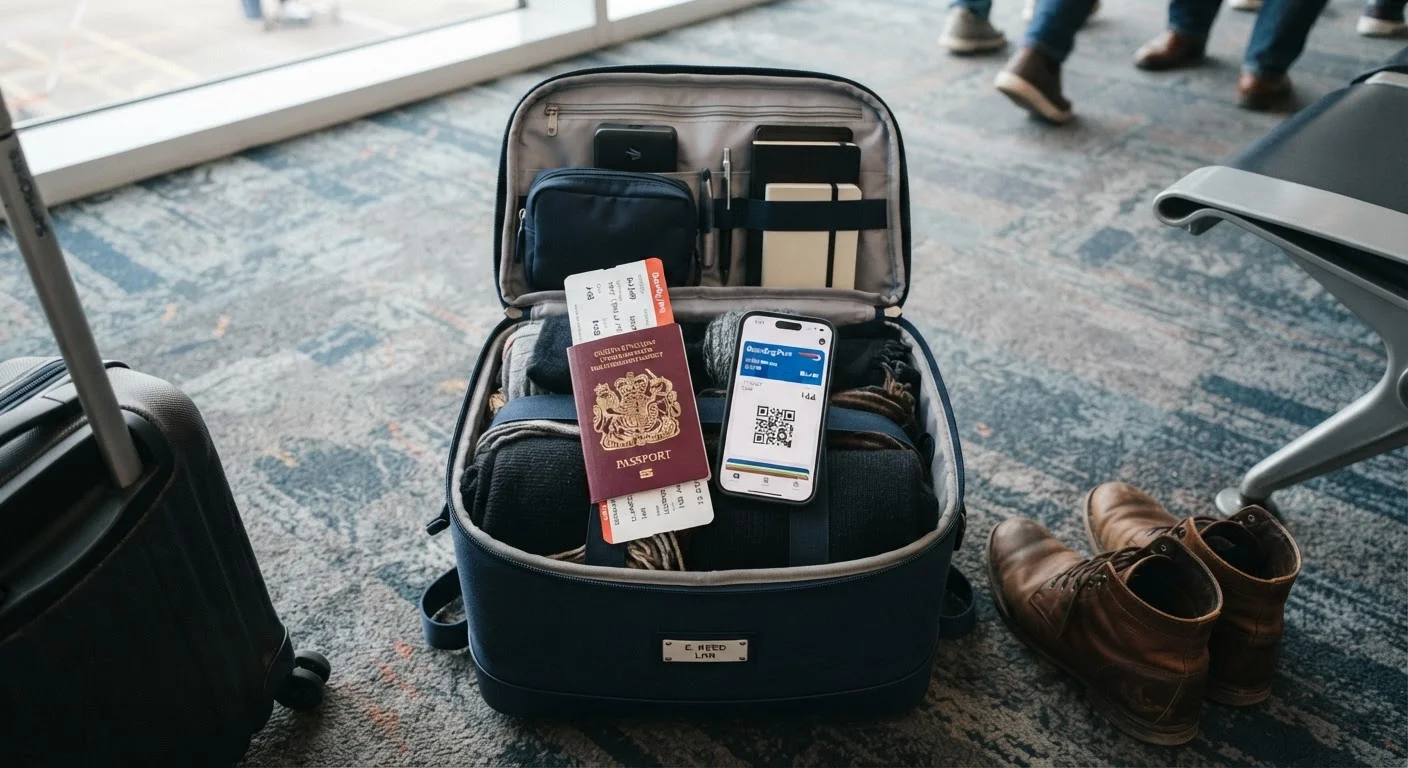
Photo: QuickSearches.net | It Doesn't Get Quicker Than This! editorial
Key Takeaways
- Physical originals are still required for most border crossings, hotels, and rental car pickups.
- Digital copies serve as a critical backup but cannot fully replace originals in most official situations.
- Storing backups in at least two separate digital locations reduces the risk of losing access entirely.
- Sharing copies with a trusted contact at home adds a low-cost recovery option if all devices are lost.
- The strongest approach combines both strategies rather than relying exclusively on one.
Why Document Management Matters More Than Most Travelers Realize
Losing a passport or insurance card abroad isn't just inconvenient - it can derail an entire trip, trigger significant out-of-pocket costs, and in rare cases strand travelers without access to medical care. Yet most people treat document prep as an afterthought, tossing papers into a bag without a recovery plan.
A solid document strategy is a core part of any well-planned trip - not optional prep for anxious travelers. This comparison breaks down what digital and physical approaches each do well, where they fail, and how to build a system that holds up under real travel conditions.
The Case for Physical Documents
Physical originals remain the legal standard in most travel situations. A border agent cannot accept a photo of your passport as entry authorization. A hotel front desk typically requires a physical ID to check you in. Car rental counters almost universally demand both a driver's license and physical credit card. These are non-negotiable requirements that no app can replace.
Physical documents also work without power, signal, or battery. In areas with unreliable connectivity - rural regions, certain international destinations, long-haul flights - paper doesn't fail you. A laminated card or a photocopied passport page tucked into a separate bag can be retrieved even when everything electronic is dead or stolen.
| Physical Documents | Digital Copies | |
|---|---|---|
| Accepted at borders and checkpoints | Yes - legally required | Rarely, if ever |
| Works without power or signal | Always | Only if stored offline |
| Risk if lost or stolen | High - hard to replace quickly | Low if backed up in cloud |
| Speed of retrieval | Moderate - physical search required | Fast - searchable on device |
| Water or damage vulnerability | High without protection | Low if cloud-stored |
| Setup time before travel | Low - gather originals | Low to moderate - scan and upload |
| Value in emergency recovery | Moderate - depends on what survives | High if accessible from any device |
The downside is obvious: physical documents can be lost, damaged by water, or stolen. Carrying all originals in one place - a single wallet or travel pouch - creates a single point of failure. Splitting originals across your bag and your travel companion's bag is a simple mitigation many travelers skip.
The Case for Digital Copies
Digital copies shine as a backup and reference layer. Photographing your passport data page, visa, insurance card, travel insurance policy, and emergency contacts before departure takes under ten minutes and creates instantly retrievable records. Stored in a cloud service you can access from any device - or sent to a trusted contact at home - these copies can help you prove your identity to a consulate, file an insurance claim, or reconstruct lost information while replacement documents are processed.
For travelers juggling complex itineraries, digital storage also keeps everything searchable. Confirmation numbers, hotel addresses, and trip contacts are easier to scan through on a phone than to dig out of a folder. See our guide on keeping trip details organized across devices for practical approaches to that broader challenge.
Use Two Separate Cloud Locations
The vulnerability of digital copies is device dependence. A stolen or broken phone takes your digital documents with it unless they're stored in the cloud or backed up elsewhere. It's worth understanding what actually happens to your data when a phone is lost or stolen before you travel.
Building a System That Uses Both
The travelers least likely to face a document crisis are those who treat physical and digital copies as complementary layers, not competing options. A workable setup looks like this:
- Carry originals on your person, ideally in a money belt or interior bag pocket - not all in one wallet.
- Pack one set of physical photocopies in your checked bag or a separate daypack.
- Store digital scans in at least two places: a cloud service (email, cloud storage) and a password-protected folder on your device.
- Email a full document set to a trusted person at home who can forward them to you in an emergency.
For travelers managing health conditions, the documentation stakes are higher. Your insurance card, prescription information, and emergency contact details should exist in both formats. See our guidance on protecting your health when traveling with a chronic condition for the full picture.
For a complete reference on which documents to include in your set, the documents every traveler should carry guide covers IDs, permits, and insurance cards across common trip types. This layered approach is also part of how budget travel strategies account for risk without expensive add-ons.
The content on this site is provided for informational purposes only and should not be considered a substitute for professional advice. While we strive to provide accurate and up-to-date information, we make no guarantees regarding its completeness or accuracy. Always consult a qualified professional for advice specific to your circumstances before making any decisions