
The Real Reasons Software Updates Matter on Older Phones

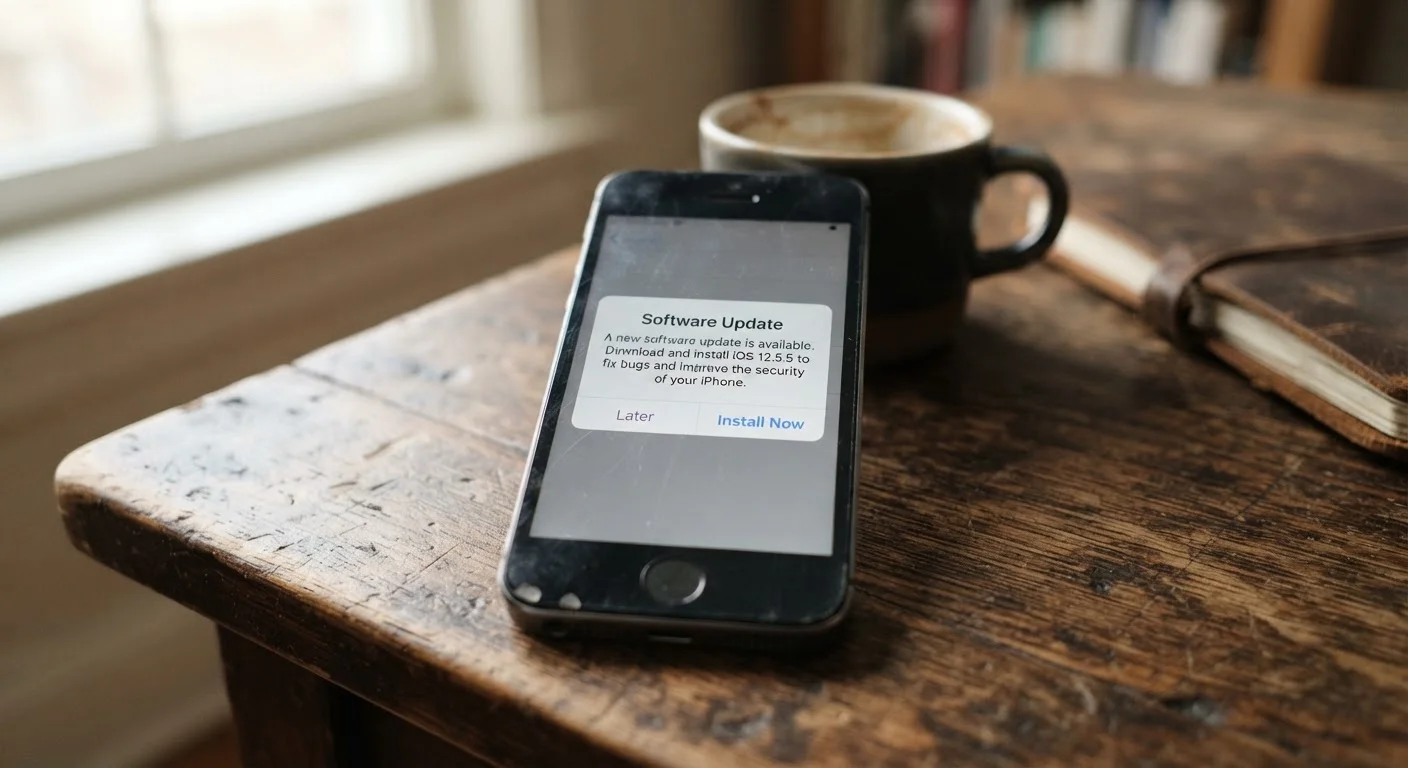
Photo: QuickSearches.net | It Doesn't Get Quicker Than This! editorial
Key Takeaways
- Most software updates are primarily about security, not new features or cosmetic changes.
- Skipping updates leaves known vulnerabilities on your device that attackers can exploit.
- Older phones eventually stop receiving updates entirely - this is called end-of-support.
- Updates don't always slow down older phones; some patches are specifically optimized for performance.
- Knowing when your phone hits end-of-support is one of the strongest signals it's time to plan ahead.
What's Actually Inside a Software Update
Most people assume software updates exist to add new features or change how things look. In reality, the bulk of what ships in a typical update - especially on phones a few years old - is security and stability work that's invisible to the average user.
Security patches close specific holes in your phone's operating system: vulnerabilities that researchers or attackers have discovered that could allow unauthorized access to your data, your camera, your microphone, or your accounts. These aren't theoretical risks. Cybersecurity researchers regularly publish details of exploits found in mobile operating systems, and manufacturers race to patch them before wider misuse occurs.
Beyond security, updates often include bug fixes that address crashes, battery drain issues, connectivity problems, and app compatibility errors. If you've noticed your phone getting sluggish or an app behaving oddly, an available update may already contain a fix. See our guide to battery drain - some of those causes are addressable through software, not hardware.
Updates vs. App Updates: Know the Difference
The Risk of Putting Updates Off
Delaying updates is understandable - nobody wants their phone to restart mid-day or risk a new interface they didn't ask for. But each day an update goes uninstalled is a day your phone is running with known, documented security gaps.
Once a vulnerability is publicly disclosed - which happens routinely through security bulletins - anyone with the right tools can search for devices running the unpatched version. Older phones that haven't been updated become easier targets, not just for sophisticated attackers but for automated scanning tools that probe devices at scale.
The practical consequences range from credential theft (your passwords and login sessions) to unauthorized charges and financial fraud if banking apps are compromised. If you use your phone for shopping, email, or managing accounts, the exposure is real. And it compounds: the longer you wait, the more unpatched vulnerabilities accumulate.
Install Security Patches Promptly
End-of-Support: When Updates Stop Coming
Every phone eventually reaches a point where the manufacturer stops releasing updates for it. This is called end-of-support or end-of-life. At that point, no new security patches are issued, even if new vulnerabilities are discovered - and they will be.
This doesn't mean your phone stops working overnight. It means it stops getting safer over time while the threat environment around it continues to evolve. The gap between your phone's security posture and current best practice widens with every month after end-of-support.
Checking your phone's update status is straightforward: go to Settings, then About Phone or General, and look for Software Update or System Update. If the latest available update is more than a year old and the manufacturer has issued no explanation, there's a good chance your device is nearing or past end-of-support. That's one of the clearest signals addressed in our piece on deciding whether to repair or replace your phone.
For readers who want to stretch device life as long as responsibly possible, pairing good update habits with the other practices in our guide to extending your phone's useful life makes a meaningful difference.
How to Update Safely Without the Headaches
The concerns around updates - slowdowns, storage issues, unwanted changes - are real but manageable. A few practical habits reduce the friction considerably.
- Update over Wi-Fi. Updates can be large. Downloading over a cellular connection can eat into your data plan and is slower than Wi-Fi.
- Update when plugged in. Most phones require sufficient battery charge before installing a system update. Connecting to power avoids interruptions.
- Check storage first. Updates need free space to install. If your phone is nearly full, the update may fail or not download at all. See how to free up storage if you're running low.
- Schedule overnight installs. Both Android and iOS allow you to schedule updates to install automatically overnight, so your phone is ready in the morning without interrupting your day.
Security patches, in particular, are worth installing promptly. Larger OS version upgrades - the ones that change the interface or add significant features - are worth waiting a week or two after release. Early adopters sometimes surface bugs that get fixed in a quick follow-up patch.
Frequently Asked Questions
The content on this site is provided for informational purposes only and should not be considered a substitute for professional advice. While we strive to provide accurate and up-to-date information, we make no guarantees regarding its completeness or accuracy. Always consult a qualified professional for advice specific to your circumstances before making any decisions