
Keeping Trip Details Organized Across Devices and People

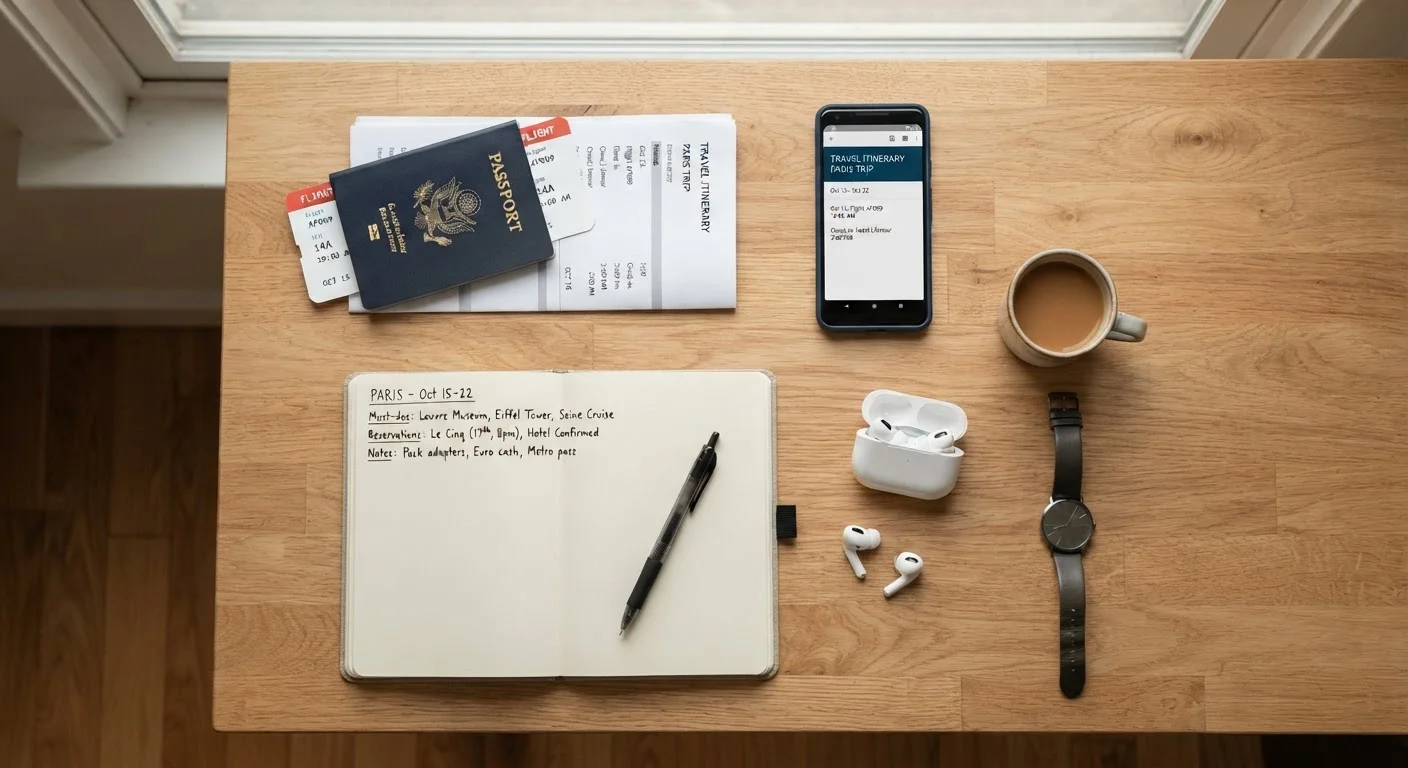
Photo: QuickSearches.net | It Doesn't Get Quicker Than This! editorial
Key Takeaways
- One shared document hub prevents confirmation numbers from getting buried in multiple inboxes.
- Cloud-synced folders let every traveler access current files without emailing attachments back and forth.
- Offline backups - downloaded PDFs and printed key details - protect you when connectivity fails.
- Assigning one person to own each booking category reduces duplicate effort and conflicting versions.
- A simple naming convention for files makes it fast to find what you need mid-trip.
Why Trip Details Fall Through the Cracks
Most travel chaos doesn't happen at the destination - it starts in the group chat three weeks earlier. Confirmation emails land in different inboxes. Someone screenshots a hotel address but never shares it. The flight time gets updated, but only one person sees the notification. By departure day, nobody has the full picture.
This is the core problem with ad hoc trip organization: information lives in fragments across texts, emails, screenshots, and memory. The fix isn't a single magic app - it's a deliberate system. See how this fits into the larger planning picture in The Anatomy of a Well-Planned Trip.
Build One Central Reference Document
The most effective organizing move is creating a single shared document everyone can read and edit. A cloud-based spreadsheet or shared note works well. Include flight numbers, confirmation codes, hotel addresses, check-in times, and any reservation details - all in one place.
Create a single shared document with all booking confirmations and key details before departure.
Use a consistent file-naming convention for all downloaded travel documents.
Download offline copies of every critical document before leaving home.
Assign one person per booking category in group trips rather than sharing all responsibilities equally.
Pin the shared trip document link in your primary group communication channel.
Keep the document link pinned somewhere obvious: a group chat, a shared email thread, or a travel folder everyone bookmarks. The goal is zero searching when you need a detail fast. For a thorough checklist of what belongs in that document, see our pre-trip preparation checklist.
Sync Files Across Devices Without the Confusion
Cloud storage solves the multi-device problem, but only if files are named clearly and organized into folders. A chaotic cloud folder is just as useless as a chaotic inbox.
Use a consistent naming format: destination, document type, and date. For example: Paris_HotelConfirmation_Jun14.pdf. This makes it searchable and scannable at a glance. Keep a dedicated trip folder and resist the urge to dump everything into a general downloads folder.
For group trips, designate one person to own the folder and ensure everyone else has view (or edit) access before leaving. This avoids version conflicts and duplicate files. Managing shared information across multiple people has parallels in financial organization - the same principle of one source of truth applies, as covered in managing multiple accounts without losing track.
Plan for When You're Offline
Cloud access fails exactly when you need it most: in airports with poor Wi-Fi, on international data plans, or in rural areas with no signal. Offline backup is not optional.
Download PDFs of every booking confirmation before you leave. Save key details - hotel address, emergency contact numbers, transit info - in your phone's notes app where they're accessible without internet. A printed one-page summary kept in your bag is low-tech but remarkably useful when a phone battery dies or a device gets lost.
Don't Rely Solely on App Notifications
For a full breakdown of how digital and physical document strategies compare, see Digital Copies vs. Physical Documents.
Coordinate With Travel Companions Without Creating Chaos
Group trips multiply the organizational challenge. The solution is dividing ownership, not sharing everything equally. Assign each traveler a specific category to manage: one person handles flight updates, another owns accommodation details, another tracks activity bookings. Everyone still has access to everything, but one person is accountable for keeping each section current.
Agree on a single communication channel for trip logistics - not a mix of texts, emails, and four different group chats. When a change happens, that channel is where it gets posted. This reduces the risk of someone missing a critical update.
If your group tends to over-schedule, Why Your Itinerary Keeps Falling Apart explains how to build more realistic plans that hold up under real travel conditions. And if you're starting a trip from scratch and want a complete roadmap, Trip Planning From Scratch walks through every major phase.
This article provides general travel planning guidance for informational purposes only. Verify all booking details, entry requirements, and travel conditions directly with providers and official sources before you travel.
The content on this site is provided for informational purposes only and should not be considered a substitute for professional advice. While we strive to provide accurate and up-to-date information, we make no guarantees regarding its completeness or accuracy. Always consult a qualified professional for advice specific to your circumstances before making any decisions