
Home Internet From Scratch: A First-Timer's Complete Overview

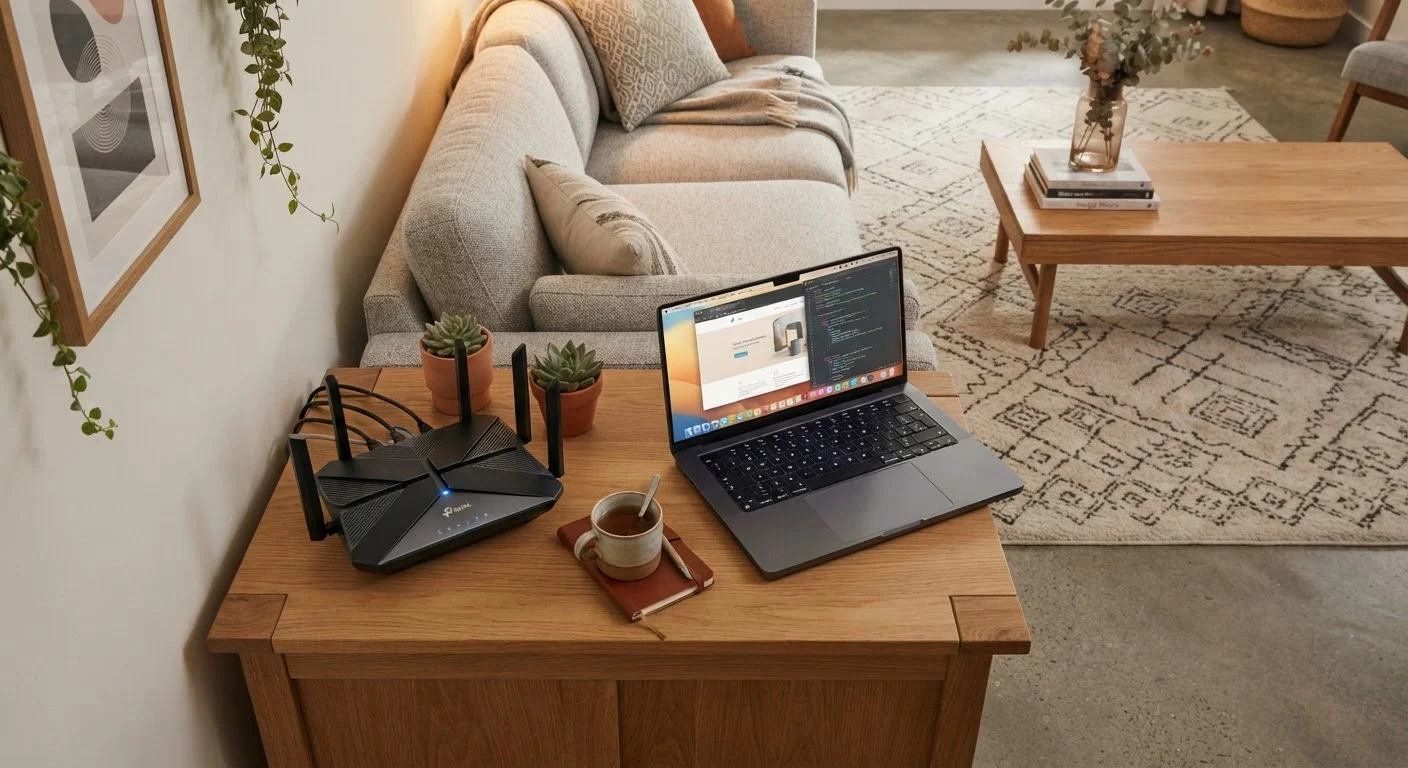
Photo: QuickSearches.net | It Doesn't Get Quicker Than This! editorial
Key Takeaways
- Your address determines which connection types are available - options vary significantly by location.
- Most households need 100-300 Mbps download speed for reliable everyday use.
- Promotional pricing often jumps significantly after 12-24 months - factor in the post-promo rate.
- You can usually rent a router from your ISP or buy your own to avoid monthly rental fees.
- Installation can be self-service or technician-assisted depending on the connection type.
What Type of Internet Connection Do You Actually Have Access To?
Before comparing prices or speeds, you need to know what's physically available at your address. Not every technology reaches every neighborhood - and this single factor shapes all your other decisions.
The four most common residential connection types in the US are fiber, cable, DSL, and fixed wireless. Satellite is also an option, primarily in rural areas with limited alternatives. Each delivers internet differently and carries different performance characteristics.
For a plain-language breakdown of what each technology actually means day-to-day, see our guide to home internet connection types. To check what's available at your specific address, visit each provider's website and enter your zip code or full address.
How Much Speed Do You Really Need?
Internet plans are marketed in Mbps (megabits per second) - the higher the number, the faster data moves. But headline speeds can mislead. What matters is whether a plan handles your household's actual usage without stuttering or slowdowns.
As a general rule: a single person streaming video and browsing needs roughly 25-50 Mbps. A household with two or three people video calling, streaming, and gaming simultaneously will want 100-300 Mbps. Larger households or those with smart home devices benefit from 300 Mbps and above.
Also pay attention to upload speed, which is often much lower than download speed on cable and DSL plans. If you video call frequently or work from home, upload speed matters as much as download speed.
Think Households, Not Just Individuals
Understanding Pricing, Contracts, and Hidden Fees
ISP pricing is rarely as simple as the advertised monthly rate. Promotional pricing - often valid for 12 or 24 months - can jump considerably once the introductory period expires. Always ask for the standard rate before committing.
Common additional costs to watch for:
- Equipment rental fees: Typically $10-$20/month if you use the ISP's modem or router
- Installation or activation fees: One-time charges that may be waived during promotions
- Data caps: Some plans throttle speeds or charge overage fees after a monthly data limit
- Early termination fees: Contract plans may charge if you cancel before the term ends
For a thorough breakdown of all the cost layers involved, the full picture on home internet pricing and contracts covers each in detail.
Equipment: What You Need and What You Can Skip
You need two things to get online: a modem (which connects your home to the ISP's network) and a router (which creates your home Wi-Fi). Many ISPs supply a combined modem/router unit, often called a gateway.
Renting this equipment from your ISP is convenient but adds to your monthly bill. Buying a compatible modem and router outright typically recovers the cost within 12-18 months. Before purchasing, confirm the device is on your ISP's approved compatibility list.
Not All Equipment Is Compatible With All ISPs
If you're also setting up a new tablet or other devices on your network, it's worth reading what people often overlook when setting up a new tablet to avoid common early-setup mistakes.
What to Expect When You Sign Up
Once you've picked a plan, the sign-up process is straightforward. You'll provide your address, choose a plan, and select an installation method - either a self-install kit (common with cable) or a scheduled technician visit (more common with fiber and DSL).
Self-install kits arrive by mail and typically take 30-60 minutes to set up. Technician visits are usually scheduled within a few days to two weeks, depending on availability. Most ISPs will ask for a valid ID, a service address, and a payment method.
After activation, run a speed test at a site like fast.com or speedtest.net using a wired connection to your router. This gives you a baseline to compare against your plan's advertised speeds. For a step-by-step walkthrough of the full setup process, see our guide to setting up a new home internet connection.
If you're setting up internet as part of moving into a new place, the first-time renter's roadmap covers utilities setup alongside everything else a new renter needs to handle.
Frequently Asked Questions
The content on this site is provided for informational purposes only and should not be considered a substitute for professional advice. While we strive to provide accurate and up-to-date information, we make no guarantees regarding its completeness or accuracy. Always consult a qualified professional for advice specific to your circumstances before making any decisions