
Wi-Fi Calling vs. Regular Cellular: When Each One Actually Works Better

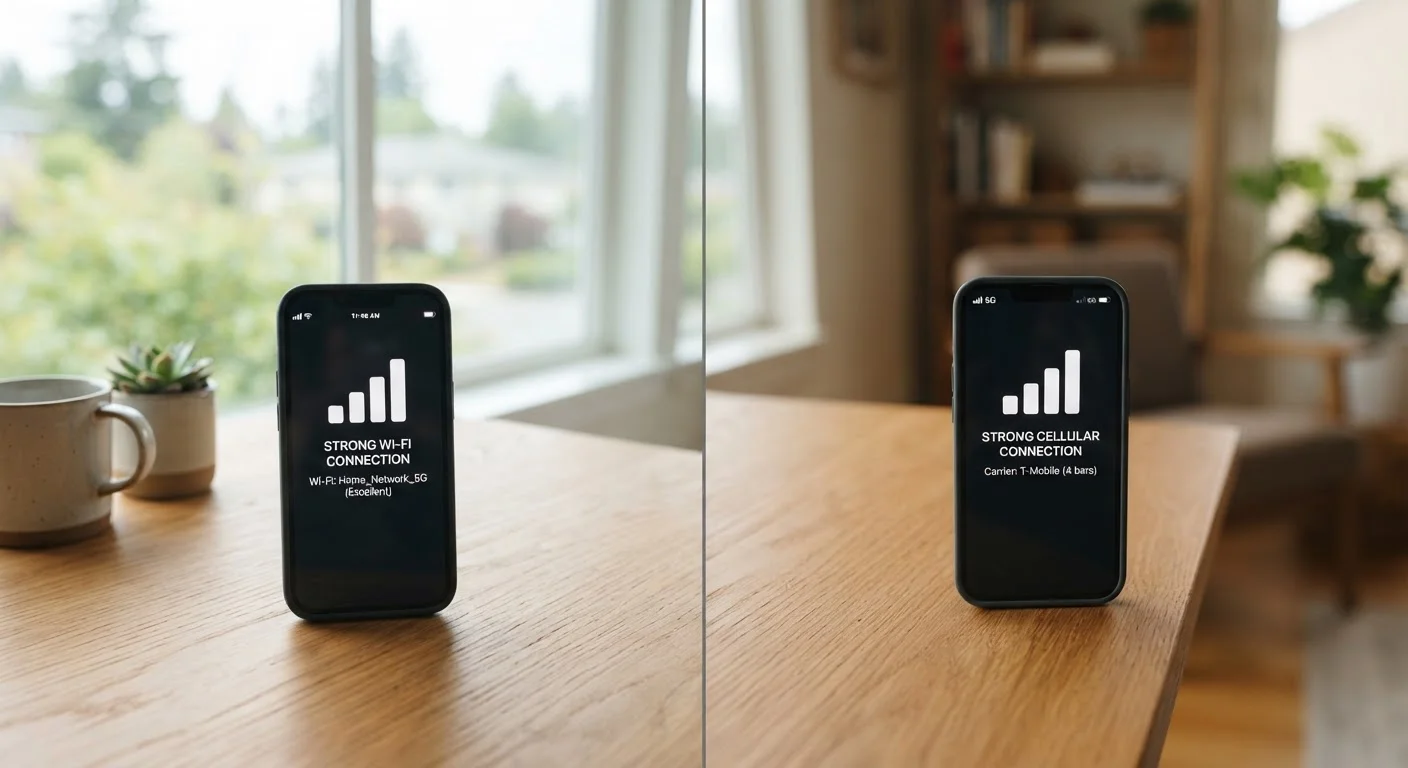
Photo: QuickSearches.net | It Doesn't Get Quicker Than This! editorial
Key Takeaways
- Wi-Fi calling routes voice and texts through your internet connection instead of a cellular tower.
- Standard cellular is more reliable outdoors and in rural areas with decent tower coverage.
- Wi-Fi calling excels in buildings, basements, and places where cellular signals are blocked.
- Both technologies can coexist on the same phone - your device switches automatically in most cases.
- Call quality with Wi-Fi calling depends heavily on your internet connection's speed and stability.
- Enabling Wi-Fi calling is free on most major US carriers and requires no extra app.
How Each Technology Actually Works
Standard cellular calls travel over radio frequencies between your phone and the nearest cell tower. Your carrier's network routes that signal to reach the person you're calling - the same basic system that's been in place for decades, refined with each generation from 3G through 5G.
Wi-Fi calling works differently. When you enable it, your phone uses your internet connection - home broadband, a workplace network, or any Wi-Fi you're connected to - to carry voice traffic. The call still goes through your carrier; it just takes a different path to get there. No third-party app is required, and your regular phone number works exactly as it normally would. Most iPhones and Android devices manufactured in the past several years support Wi-Fi calling natively.
Because Wi-Fi calling relies on your internet connection, its quality is directly tied to that connection's performance. A fast, stable broadband line typically produces clear calls. A congested or slow connection can introduce lag, echoes, or dropped calls - issues you'd rarely blame on your phone plan. For practical habits that keep your home connection performing well, see our guide to getting the most from your home internet.
| Criterion | Wi-Fi Calling | Regular Cellular |
|---|---|---|
| Signal source | Broadband internet connection | Cell tower radio frequency |
| Indoor building performance | Strong - bypasses walls | Weakens through dense materials |
| Mobility support | Limited - tied to Wi-Fi range | Seamless tower handoffs |
| Extra app or cost required | None - built into most phones | None - standard service |
| Call quality control | Depends on internet speed/stability | Depends on signal strength |
| Emergency (911) calling | Requires address registration | Location detected automatically |
| Rural area reliability | Limited by broadband availability | Generally more consistent |
When Wi-Fi Calling Has a Clear Advantage
The most obvious use case is poor indoor cellular reception. Dense building materials - concrete walls, metal framing, underground parking structures, elevator shafts - absorb radio signals. A phone sitting on your desk in a basement office might show one bar of LTE while the Wi-Fi router a few feet away delivers a 200 Mbps connection. Wi-Fi calling turns that broadband signal into a usable phone line.
International travelers sometimes find Wi-Fi calling useful for avoiding roaming charges, though carrier policies vary widely on this point. Check your specific plan's terms before counting on it abroad.
Public Wi-Fi and Wi-Fi Calling
One important setup step: if you enable Wi-Fi calling, register your home address with your carrier through the phone's settings. Emergency services use this address for 911 dispatch when the call comes in over Wi-Fi, since the system can't automatically detect your location the way cellular towers can.
When Regular Cellular Is More Dependable
Cellular networks are engineered for handoffs - as you drive or walk, your phone continuously connects to the strongest nearby tower without interrupting a call. Wi-Fi calling has no equivalent mechanism. If you walk out of Wi-Fi range mid-call, the call may drop unless your phone seamlessly switches to cellular, which depends on both your carrier's implementation and your device.
In rural settings, cellular coverage - even if limited to a few bars - is often more consistent than available broadband, which can be delivered via satellite or fixed wireless with higher latency. For a realistic picture of what coverage actually looks like in your area, carrier coverage maps don't tell the whole story.
Cellular also handles concurrent network demands more gracefully. If five people in your household are streaming video while you're on a Wi-Fi call, call quality can degrade. A cellular call is unaffected by what's happening on your home network.
~30%
US homes with weak indoor cellular signal
Industry surveys have consistently found that roughly one in three US households experiences at least occasional poor indoor cellular reception, making Wi-Fi calling a practical option for a significant portion of users.
HD Voice
Wi-Fi call audio quality standard
Wi-Fi calls typically use wideband audio (HD Voice), which captures a broader frequency range than standard cellular calls - resulting in noticeably clearer sound when connection quality is good.
Understanding how both technologies interact with your specific plan is worthwhile - decoding your wireless carrier bill can reveal whether your current plan even includes Wi-Fi calling, and under what conditions.
The content on this site is provided for informational purposes only and should not be considered a substitute for professional advice. While we strive to provide accurate and up-to-date information, we make no guarantees regarding its completeness or accuracy. Always consult a qualified professional for advice specific to your circumstances before making any decisions