
Getting the Most Reliable Connection From the Service You Already Have

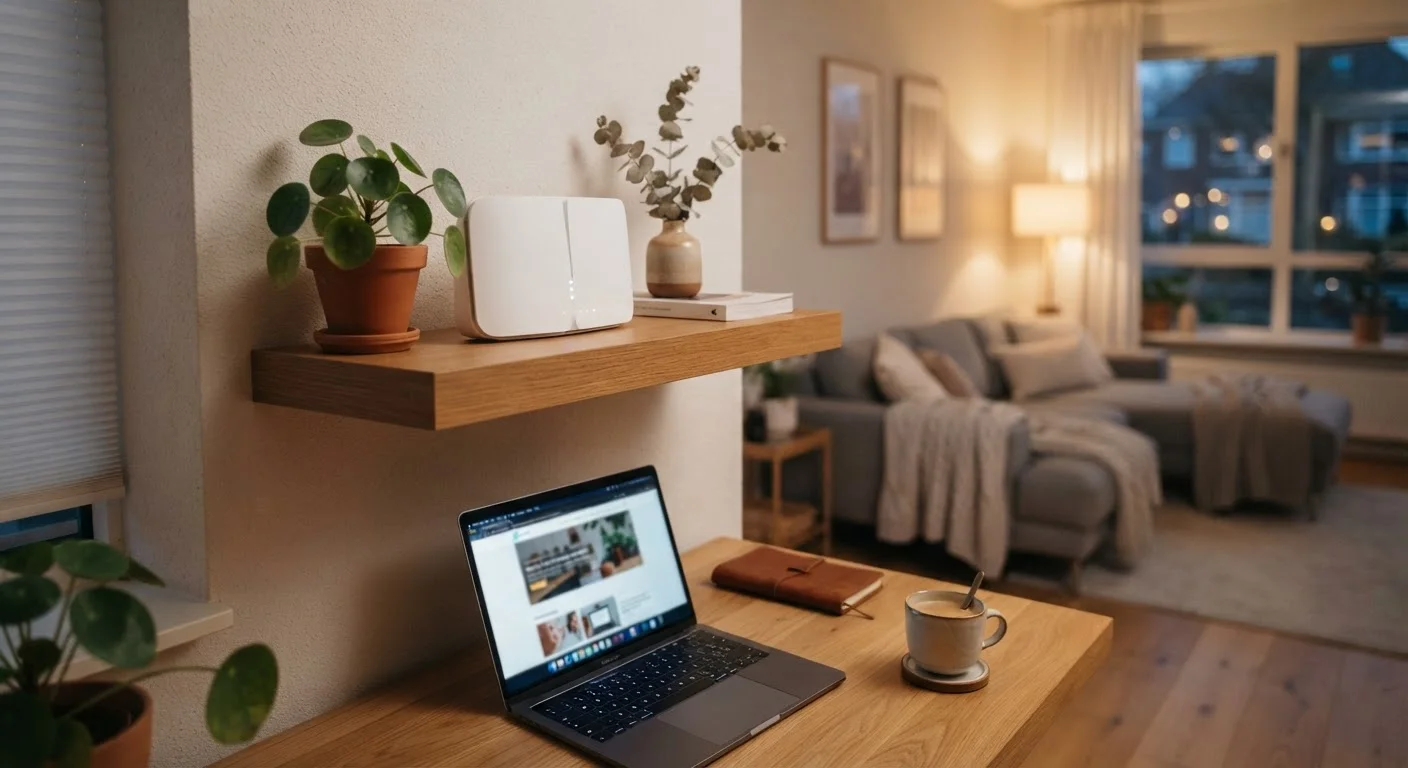
Photo: QuickSearches.net | It Doesn't Get Quicker Than This! editorial
Key Takeaways
- Router placement is one of the biggest factors in home Wi-Fi reliability - central, elevated, and unobstructed positions work best.
- Firmware updates close security gaps and often fix bugs that cause dropped connections or slow performance.
- Wired Ethernet connections are more stable than Wi-Fi for devices that stay in one place, like smart TVs or gaming consoles.
- Rebooting your modem and router periodically clears memory buildup that quietly degrades performance over time.
- Splitting devices across 2.4 GHz and 5 GHz bands reduces congestion and can significantly improve speed consistency.
Why Your Setup Matters as Much as Your Plan
Most home internet frustrations - buffering, dropped video calls, sluggish downloads - aren't caused by your ISP throttling your service. They're caused by how your home network is configured. Before assuming your plan is the problem, it's worth ruling out the variables you actually control. For a plain-language breakdown of how your connection type affects performance at the infrastructure level, see Home Internet Connection Types, Decoded.
The good news: most reliability improvements cost nothing and take less than an hour to implement. The practices below focus on reducing the gap between the speed your ISP delivers to your modem and what your devices actually experience.
Best Practices for a More Reliable Home Connection
These habits address the most common causes of inconsistent home internet performance - applicable whether you're on cable, DSL, fiber, or fixed wireless.
Place your router centrally, elevated, and away from obstructions.
Keep your router and modem firmware up to date.
Use wired Ethernet for stationary, high-demand devices.
Reboot your modem and router on a regular schedule.
Intentionally assign devices to the appropriate Wi-Fi band.
Run regular speed tests to establish a performance baseline.
Quick Fixes You Can Apply Today
Not every improvement requires digging into router settings. Several high-impact changes take only a few minutes and don't require any technical background.
If you've applied these fixes and your connection still feels inconsistent, the issue may run deeper - Why Your Home Wi-Fi Feels Slow Even With a Fast Plan walks through a more systematic diagnosis, including device congestion and hardware age.
When to Consider a Bigger Change
If you've worked through the practices above and still experience regular outages or speeds well below your plan's advertised rate, it may be worth looking at your equipment or your provider. ISP-supplied modems and routers are often entry-level hardware that underperforms in larger or multi-story homes. Third-party routers or a mesh network system (multiple access points distributed around the home) can extend coverage without requiring a plan upgrade.
ISP-Supplied Equipment Has Limitations
Persistent outages that coincide with specific times of day - particularly evenings - can indicate network congestion on your ISP's infrastructure rather than anything in your home. Documenting the pattern with speed tests gives you concrete data when contacting support. If reliability issues push you toward switching providers, What to Check Before Switching Your Home Internet Provider covers the key steps to avoid billing gaps or contract penalties.
The content on this site is provided for informational purposes only and should not be considered a substitute for professional advice. While we strive to provide accurate and up-to-date information, we make no guarantees regarding its completeness or accuracy. Always consult a qualified professional for advice specific to your circumstances before making any decisions