
Tablet or Laptop: Understanding Which Actually Fits Your Routine

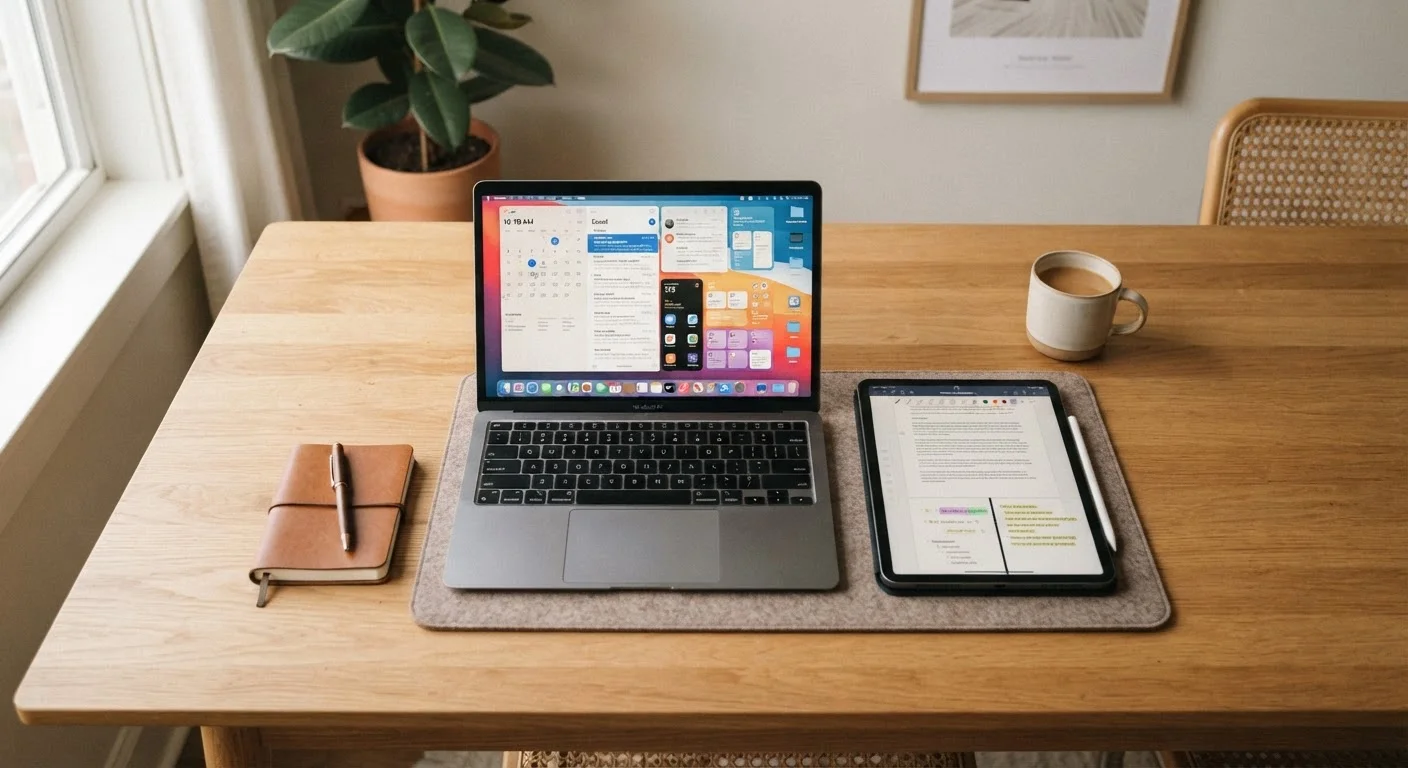
Photo: QuickSearches.net | It Doesn't Get Quicker Than This! editorial
Key Takeaways
- Tablets excel at portability and media consumption; laptops handle sustained, keyboard-heavy work more comfortably.
- The overlap between tablets and laptops has grown, but key differences in input and software still matter.
- Your daily tasks - not marketing specs - should drive the decision between the two.
- Budget, software needs, and how often you type are the three most practical filters to apply.
- Some users genuinely need both; others can get by with just one if they're honest about their habits.
Why This Question Is Harder Than It Used to Be
Ten years ago, the line between tablets and laptops was obvious. Tablets were for casual use; laptops were for real work. Today, that line has blurred considerably. Many tablets now support physical keyboards and stylus input. Some run software sophisticated enough to handle tasks once reserved for full computers. Meanwhile, laptops have gotten thinner and lighter, competing with tablets on portability.
Despite this convergence, the two device types still make meaningfully different trade-offs - and understanding those differences is more useful than chasing specs. The right question isn't which device is more powerful. It's which one actually fits the way you spend your time.
If you've ever caught yourself wondering whether you're managing your digital tools efficiently, the same logic applies here as it does when thinking through matching any tool to your actual habits: the best choice is the one you'll realistically use well, not the one that looks most impressive on paper.
What Tablets Do Well - and Where They Fall Short
Tablets are genuinely excellent at a specific cluster of tasks: reading articles or e-books, watching video, casual browsing, video calls with family, and light note-taking or sketching. Their touch interfaces feel natural for these activities, and most tablets offer solid battery life - often lasting a full day of moderate use.
Portability is a real advantage. A tablet can slip into a bag without much thought, be held comfortably on a couch, or used standing up. For travel, this matters. If you're keeping trip details and confirmations accessible across devices, a tablet can serve as a lightweight companion - especially if you've already read through advice on keeping trip details organized across devices.
The limitations show up quickly when work gets serious. Typing long documents on a touchscreen is tedious. File management is often more restricted than on a laptop. And while tablet apps have improved, they're still frequently scaled-down versions of their desktop counterparts - fine for viewing a spreadsheet, frustrating for building one.
Tablet Add-Ons Can Narrow the Gap
What Laptops Do Well - and Where They Fall Short
Laptops remain the stronger choice for anyone who types a lot, uses industry-specific software, or regularly juggles multiple tasks at once. A physical keyboard changes the experience of writing - it's faster, less error-prone, and far less fatiguing over long sessions. Full operating systems also mean access to a wider range of software, more control over files, and easier connections to external monitors, printers, and other peripherals.
For students, remote workers, or anyone running a side business, the laptop's flexibility usually justifies the trade-offs. Those trade-offs are real, though: laptops are heavier, often pricier at equivalent quality levels, and tend to have shorter battery life under active use. They're also less comfortable to use casually - you wouldn't typically prop a laptop on your chest to watch a show in bed.
| Criterion | Tablet | Laptop |
|---|---|---|
| Portability | Lighter, easier to carry | Heavier, bulkier bag needed |
| Typing comfort | Touchscreen, less comfortable long-term | Physical keyboard, better for extended use |
| Software access | Mobile/tablet apps, some limitations | Full desktop applications available |
| Battery life | Often all-day under moderate use | Varies; shorter under active workloads |
| Multitasking | Limited by OS and screen size | More flexible with multiple windows |
| Media consumption | Natural touch interface, convenient | Works, but less ergonomic casually |
| File management | More restricted, app-dependent | Full filesystem access |
| Peripheral support | Limited ports, fewer options | USB, HDMI, and more commonly available |
The Practical Filter: Three Questions Worth Asking
Rather than comparing spec sheets, three honest questions tend to cut through the noise:
- How much do you type? If the answer is daily and for extended periods, a laptop's physical keyboard will make a measurable difference in comfort and speed.
- What software do you actually need? If your tools are browser-based or available as solid mobile apps, a tablet may be sufficient. If you rely on desktop-specific programs, a laptop is the practical choice.
- Where and how do you use a device? Primarily at a desk or table - laptop. Moving around the house, commuting, traveling, or reading in different spots - tablet.
If you're also thinking about how a new device fits into a household with kids, it's worth reviewing what built-in controls are available - for instance, understanding what parental screen time controls can and can't do across different devices before you commit.
Once you've settled on a tablet, the setup process matters too. See our guide to things people overlook when setting up a new tablet for steps that save headaches later.
~60%
US adults who own both a tablet and laptop
Pew Research Center surveys have consistently found that multi-device ownership is common among American adults, with many households running both form factors.
8-12 hrs
Typical tablet battery life under moderate use
Manufacturer-rated battery life for mid-range tablets generally falls in this range, though real-world use varies based on screen brightness, app activity, and connectivity.
The content on this site is provided for informational purposes only and should not be considered a substitute for professional advice. While we strive to provide accurate and up-to-date information, we make no guarantees regarding its completeness or accuracy. Always consult a qualified professional for advice specific to your circumstances before making any decisions